
Unfiltered opinion on what apps I used for my travel
Let's get this out of the way first: this article is not about a music revolution. in which we have no affiliation whatsoever. No brand deals. Everything is unsponsored and these are the applications that doesn't really requires sponsorships and collaboration.
Not a list of Apps that paid to be here! It does not simply consist of a round-up compiled by a person who downloaded 12 apps, plugged each one into his/her iPod for four minutes, and then ranked them according to how good they looked in the App Store screenshots. It is not sponsored, affiliated or motivated in any direction.
It's an application list I've used all around the world from mildly stressful to dead serious panicked moments, and have made a permanent addition to my mobile phone. There are some of them that are apparent. Not all of them only some of them. Each of them has been used in real-life situations of real travel late buses, lost luggage, all-night travel in strange cities, visiting a country with no native language spoken.
Here is what I use and why. Also here are what I tried and deleted.
Ideal For
Who this guide is written for.
- Frequent international travellers tired of sponsored app lists
- First-time solo travellers who need reliable tools
- Digital nomads managing work and travel simultaneously
- Budget travellers looking to cut hidden fees
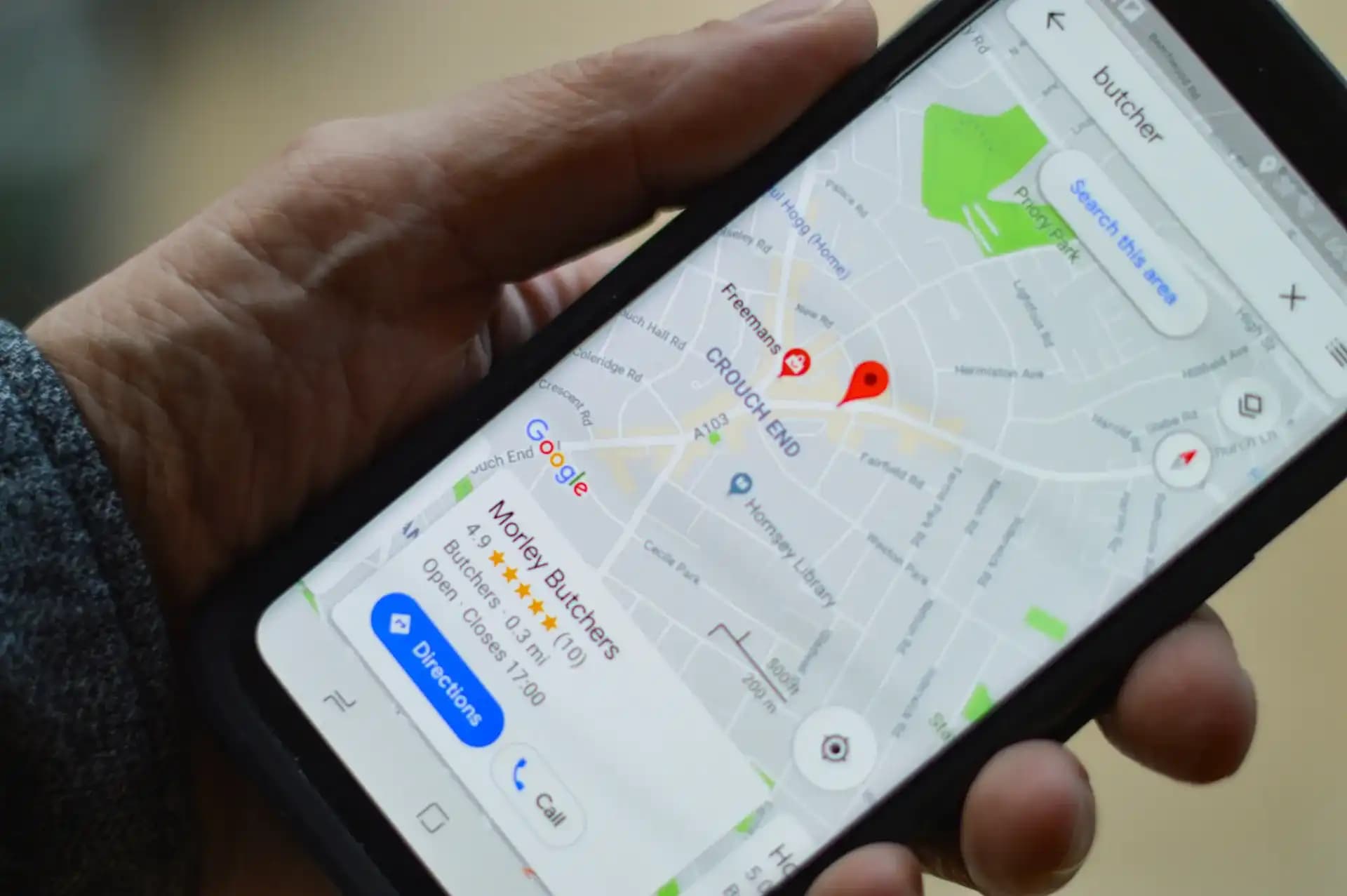
Obviously, Google Maps is a great resource for finding locations and directions, but there is more to it than that. This is the place to begin any list like this and it's a good place to start. But I'm not only suggesting you download Google Maps, because I know everyone knows about Google Maps. I'm asking you to do it differently from what you might be doing.
Lots of times the offline maps have saved me! Previously, before I arrive in any city I mean, before I get off the plane I download the offline map of every city that I'm in. It costs nothing. This takes 3 minutes. So when you lose your roaming data at a border crossing or your local SIM just refuses to function at 11 PM in an unknown neighbourhood, you'll be able to have the whole city at your fingertips.
The other beneficial things: Saved Lists. For each trip I make, I'd have a list, e.g. "Bangkok Actual Places", and take 20 minutes before leaving before adding in restaurants, neighbourhoods, Coworking Spaces, etc., that locals and long-term tourists have recommended. I'm on the ground, hungry, and don't know where to go, and open the list and there it is.
What I replaced it with: Apple Maps, when travelling overseas. Well, it's really good in the UK and US. It has always failed me in SE Asia, Eastern Europe and India.

I can't get people to believe that this is not a travel app. It is a notes and productivity tool, ideal for creating and sharing notes, documents, and to-dos. I have used it as my brain for travelling for the past 3 years and I can't think of ever organizing a trip again without using it.
Each excursion is allocated a page. On that page I have: All the confirmation numbers for each of my bookings, a rough plan for the days, a packing list that I develop and use again and again, emergency contacts, the address of my accommodations in the local language (for use by taxi drivers), visa requirements I've done my research on, and a notes section where I note things down once I'm already there.
For me, the flexibility of it is why it beats out the travel specific apps. There is no template that I have to fit into that is not in line with my trip. Not only does it synchronize information across devices, but anything added on my laptop before I left is on my phone upon arrival.
What I've removed: TripIt and Sygic Travel. They are both great apps, both have their merits. If you send booking confirmation emails to your trip manager and would like it to be all organised for you, then it's a great extension for TripIt. I used it for a year and never left, as I wanted to get more content written and less organisation.

You play as the leader of a tribe of awesome monsters. I used to lose between ₹2000 to ₹5000 on every foreign trip for the exchange rate, and just for currency conversion. When you don't notice, they count their cost: ATM fees when traveling internationally, fees at exchange booths at airports, credit card foreign transaction fees.
Wise solved this. A multi currency account is an account that contains a sum of money in more than one currency and has a mid market conversion rate, not the rate that would be marked up by a bank. I load it prior to travel and convert whatever I need at the actual rate before I pay or withdraw locally using the Wise card.
The difference after using it: I was saving ₹3,000 to ₹4,000 per week with this than my normal bank card abroad on a two week trip where I spent a whopping ₹80,000 in total. That's a flight in the vicinity. This is for 2 nights' stay. This isn't nothing.
What I replaced it with: The other major player here is Revolut and it's really great. I choose Wise for the fee model is more transparent to me as a traveller. Both work great, try them out!
You are in a small Portuguese village. You are travelling to a city which is four hours away. Not sure whether there's a train, bus, ferry or if you need to hire a car. You visit Google, and you find that there are 17 different answers from travel forums from 2014, all of which contradict each other.
Rome2rio tells you, plainly, every option you have: the bus route, the cost of the bus, the length of time it takes you to get there, if there's a train, and if there is a direct connection or a change. It's not always the most recent or up-to-date when it comes to prices, but it's always correct when it comes to the options available and the approximate time.
I use it when I'm planning the trip to see how a multi-city trip will really work in practice. It has altered the trajectory of many journeys, for example, when I thought a connection was simple, I now know that it takes six hours, but a direct bus takes only two.
The thing no one will tell you: Rome2rio is especially helpful in countries with complicated regional transport systems such as India, Southeast Asia, Eastern Europe, where the choices aren't clear and the information is spread out across 20 different websites.
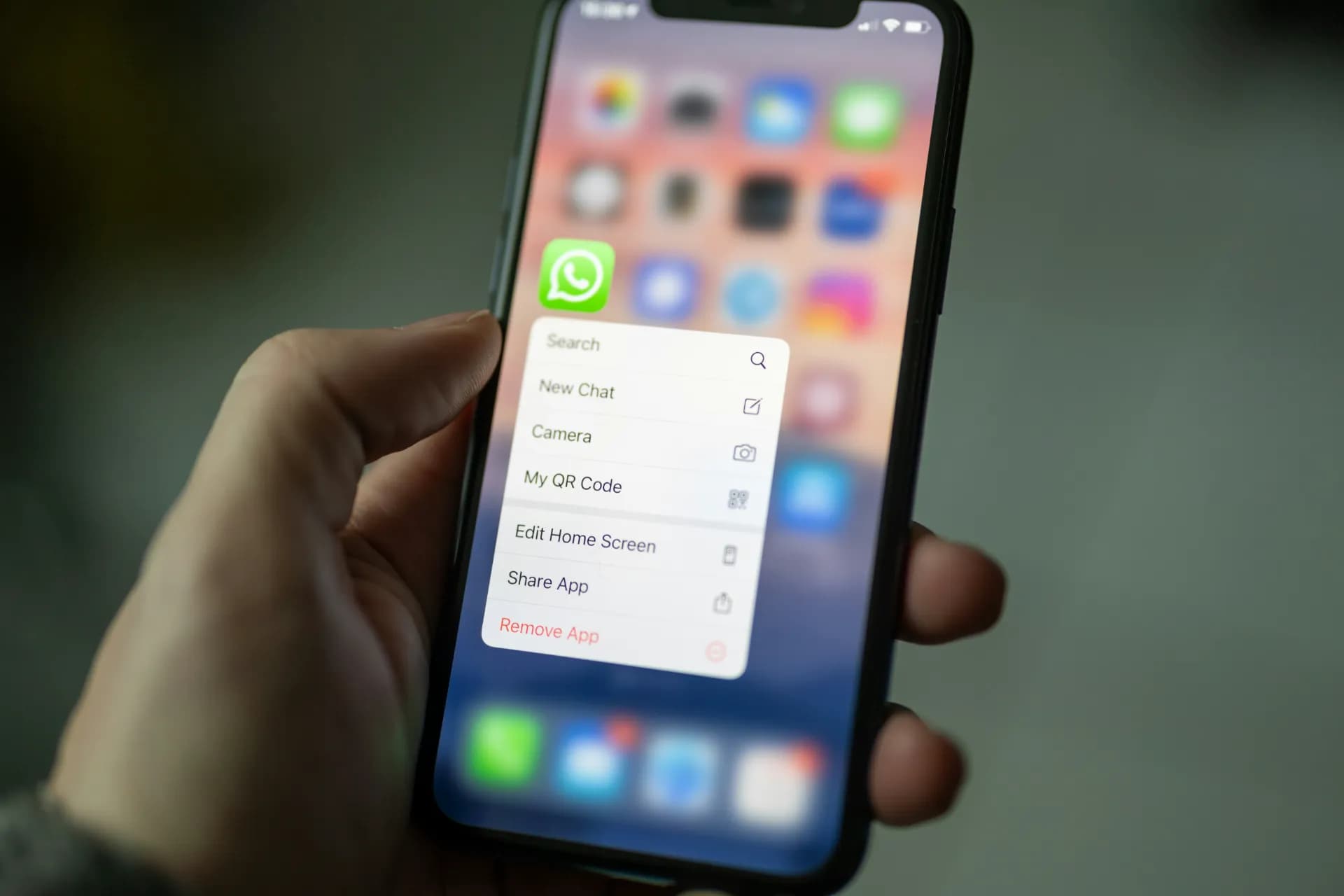
Outside North America and parts of Western Europe, WhatsApp is the way of doing things. Your guesthouse owner will contact you on WhatsApp. The driver you have booked will send his location in WhatsApp. The meeting place will be communicated to the participants on WhatsApp by the local guide. Bookings will be made via WhatsApp with the restaurant you are interested in.
If it is downloaded and a local number is assigned to it, or if it is just your home number that people can call you on, you're on the same channel as the down there people you are interacting with. It eliminates friction exactly when you need it the most when it costs you time or money or you've lost something.
The second re:use that revolutionized the way I travel is WhatsApp groups with locals. The guesthouse or hostel had a WhatsApp group of guests usually when I stayed there for more than a week. The group was a mix of travellers and frequently local tips from the host, and they were able to tell me much more about what was actually going on than any guidebook I had read in the past three years.

XE does one thing: it provides you with accurate prices of these things in your local currency, live and without crap.
It sounds trivial. It is not something that can be taken care of by a simple human switch, if you are in a Moroccan marketplace and someone is talking to you in Moroccan Dirham and you take three seconds to realise that the person is quoting you ₹200, not ₹2,000. After loading the rates, XE will operate without an Internet connection. It is tidy, quick and accurate.
I've attempted to make this into other programs. I've been trying to do it in my mind. Multitasking currency conversion while navigating, communicating and paying attention to one's surroundings, is too many things. XE eliminates one cognitive load when you need it eliminated.
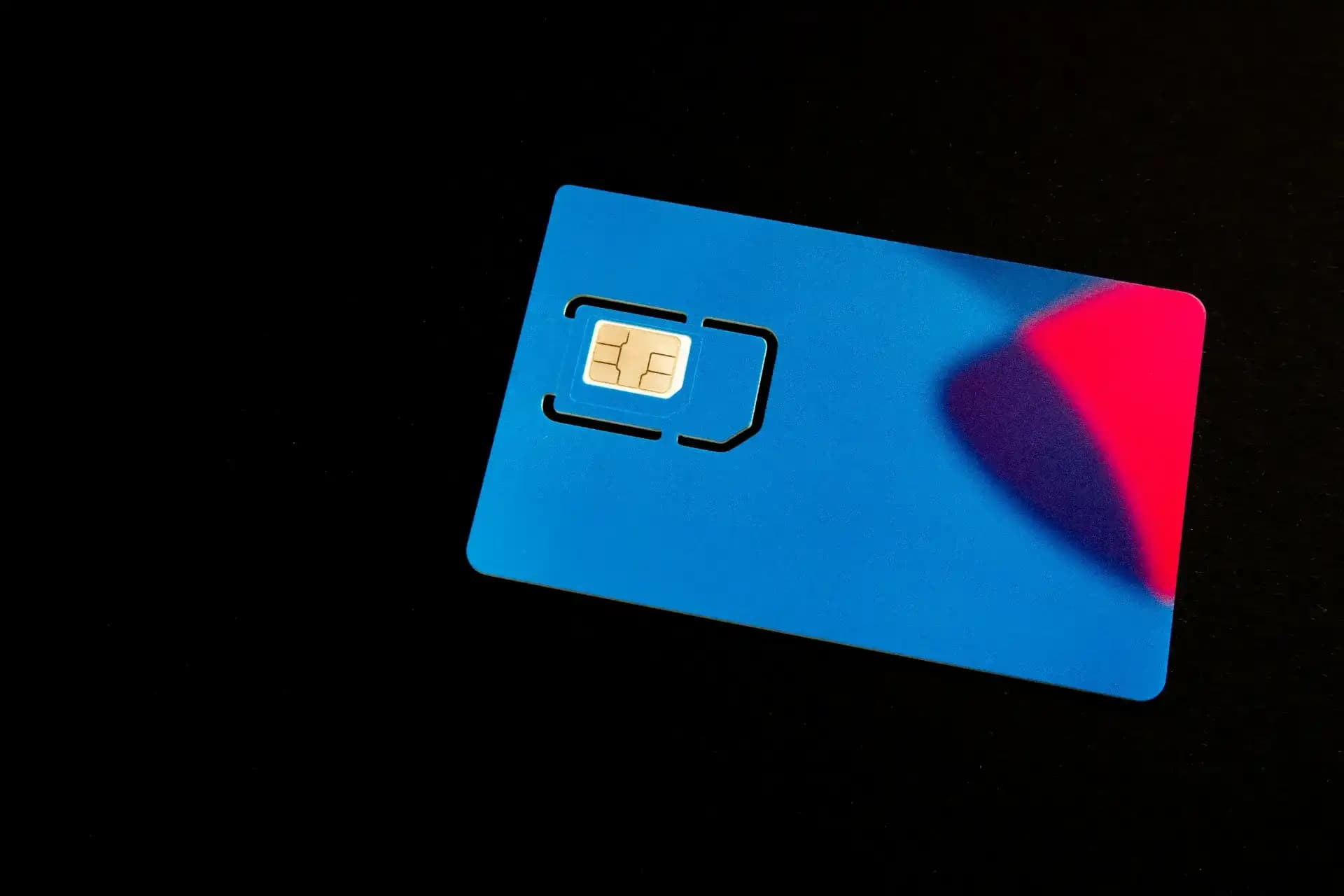
When I arrive somewhere after a long flight, the last thing I want to do is stand in line at a mobile carrier booth, tell them I need a sim card in a language I don't know and hope that the card they give me will work.
Airalo has eSIMs available for more than 200 countries. It is purchased prior to travel, downloaded in digital form onto your phone, and it goes into effect once you arrive. Data is available within minutes when you arrive without standing in anything or having to speak to anyone.
Not always the lowest cost local SIMs that are purchased in-country can often be more cost-effective if you are planning to stay for a week or two or more. For short journeys or as a replacement to getting an actual SIM card, it takes away the one most stressful factor of travelling abroad.
The common thread in the best travel apps is that they address a particular real problem without having to be considered much. The ones that I deleted were those that were asking more from me than my solving them was worth.
There are too many items on your phone that you don't use. Take the time to take things out of your bag that aren't working before you go on your next trip and only put in what earns its spot.
The apps listed above have earned theirs!
Common Questions
Quick, practical answers to the questions travellers ask most about Travel Tips.