
AI reads every bill.None paid twice.
Snap a receipt. Atravelq fills the claim and checks it against your policy.
- Duplicate checks
- GST-ready
- Tally export
From bill to bank, in four steps.
- 1
Snap the bill
AI reads the merchant, date, total and GST.
Taj DubaiHotel, 3 nights$225 - 2
Check and submit
Confirm the details. Nothing goes in without you.
DEL → DXB3 items, $500 - 3
Checked before review
Limits, duplicates and bookings, checked for you.
No duplicate billsWithin policy - 4
Paid back with proof
Reimbursed by bank transfer, with a full record.
Bank transfer+$500
Paid once. Checked every time.
- 1Duplicate billsCaught across every claim in the company.
- 2Already paid forMatched against the trips the company booked.
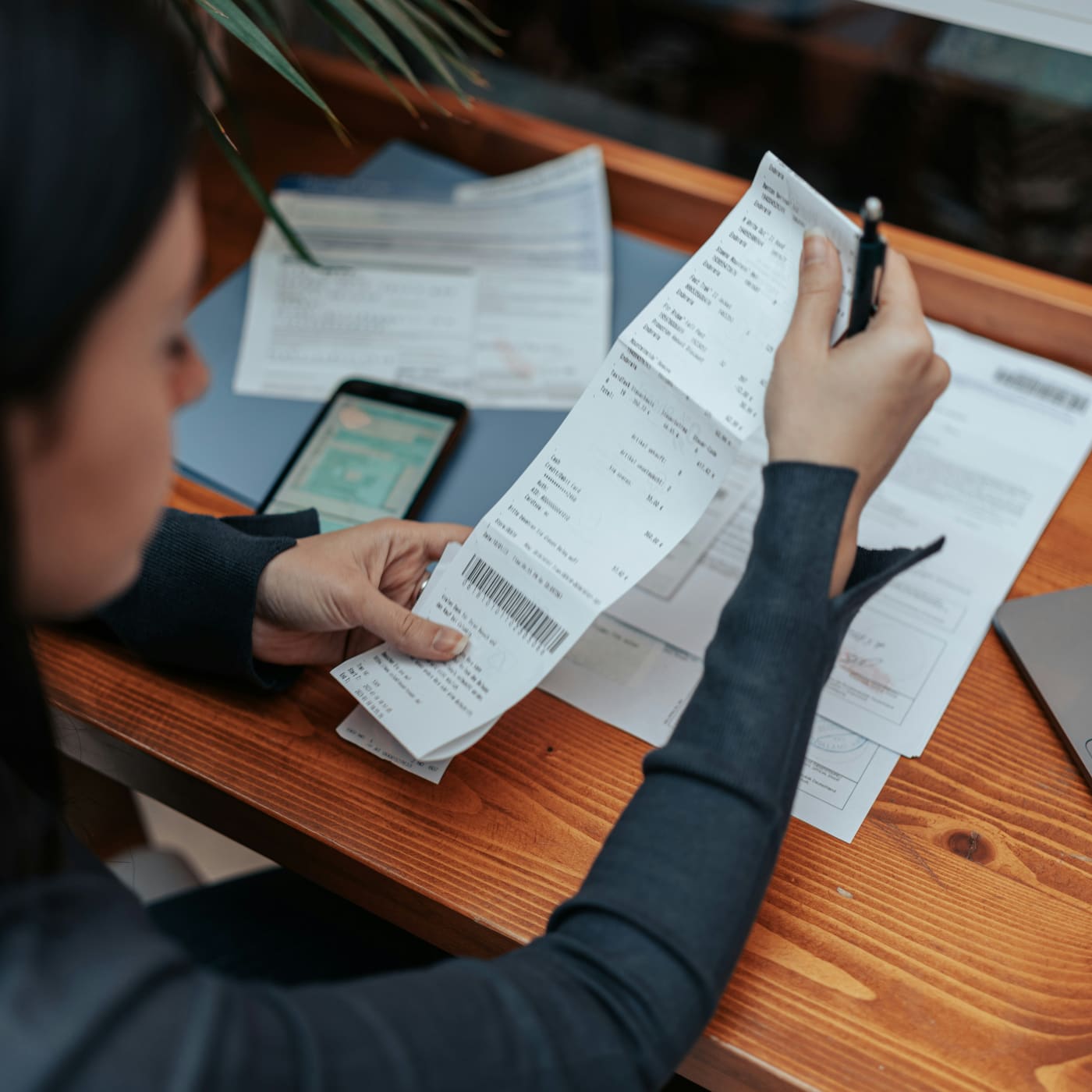
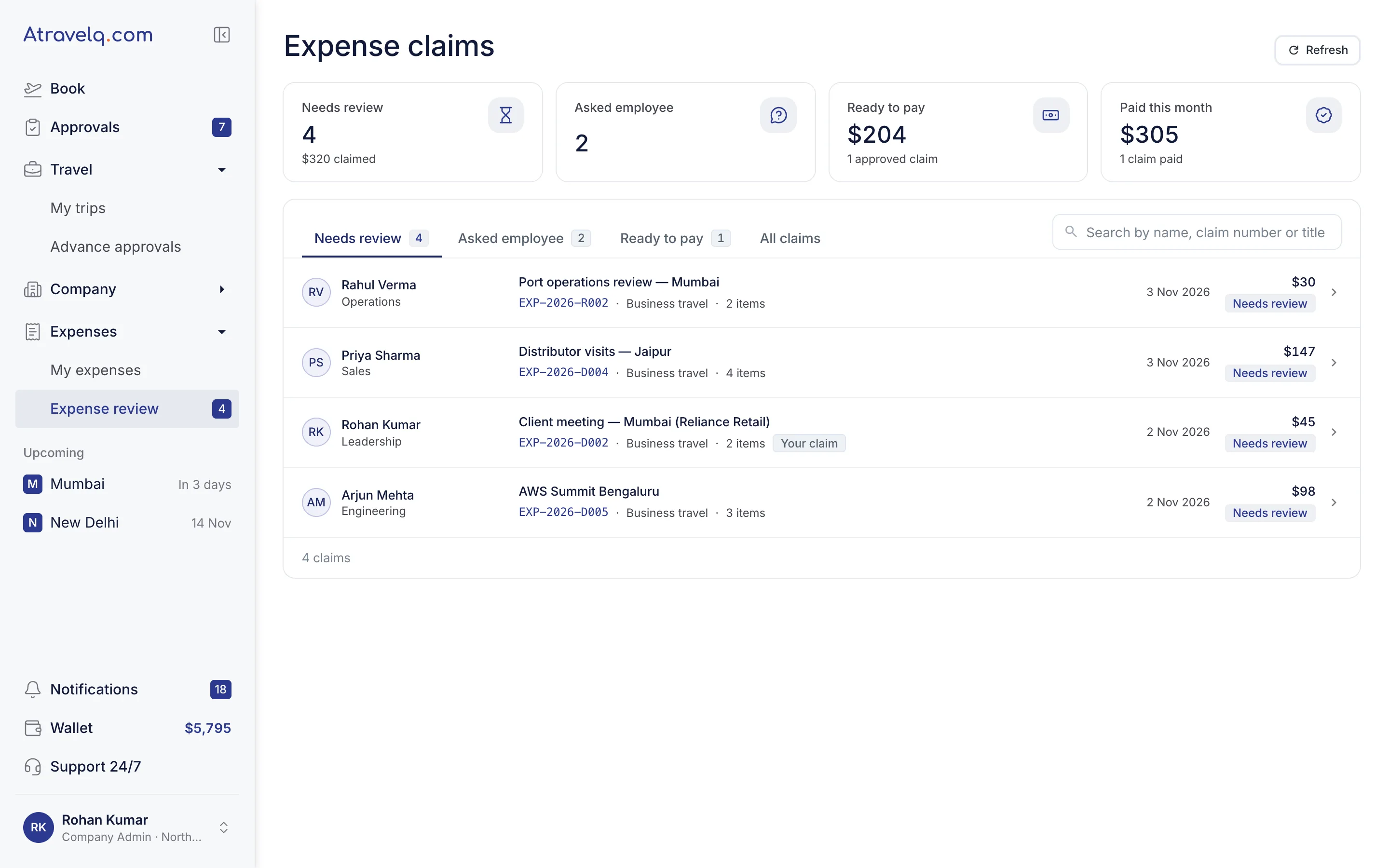
- 3Over the limitShown by how much, with a suggested cut.
- 4Per diem, verifiedDays off the trip or claimed twice, flagged.
The same month, without the mess.

Without AtravelqSpreadsheets, email and a lot of chasing
- Filing a claimExcel sheets and emailed scans
- DuplicatesSpotted months later, if ever
- ApprovalsStuck in someone's inbox
- Month endRe-keying into Tally
With AtravelqOne claim per trip, settled in days
- Filing a claimSnap the bill, AI fills the claim
- DuplicatesFlagged before approval
- ApprovalsOne tap
- Month endOne-click Tally export
Month end, without the chase.

Atravelq · Expenses · Export
Export to TallyOctober 2026 · 128 settled claimsReady to import
| Voucher | Ledger | Cost centre | Amount $ | Tax $ |
|---|---|---|---|---|
| Pmt-1041 | Travel Exp. - Hotel | Sales West | 225.00 | 40.50 |
| Pmt-1042 | Travel Exp. - Airfare | Sales West | 260.00 | 13.00 |
| Pmt-1043 | Travel Exp. - Local Cab | Operations | 45.00 | 2.25 |
| Pmt-1044 | Staff Welfare - Meals | Sales West | 230.00 | 11.50 |
Vouchers128GST input credit$2,310Audit entries1,046
tally-vouchers-oct-2026.xmlDownload for Tally
INTEGRATIONS
Works with the books you already keep.
One-click exportGST-ready recordsNo re-keying
- TTallyACCOUNTINGConnected
Vouchers ready to import.
- Vouchers by month
- Ledger mapping
- GST split per line
- XExcelEXPORTConnected
Any month of claims as a spreadsheet.
- Any date range
- One row per expense
- Receipt links included
For employees,claiming takes a minute.
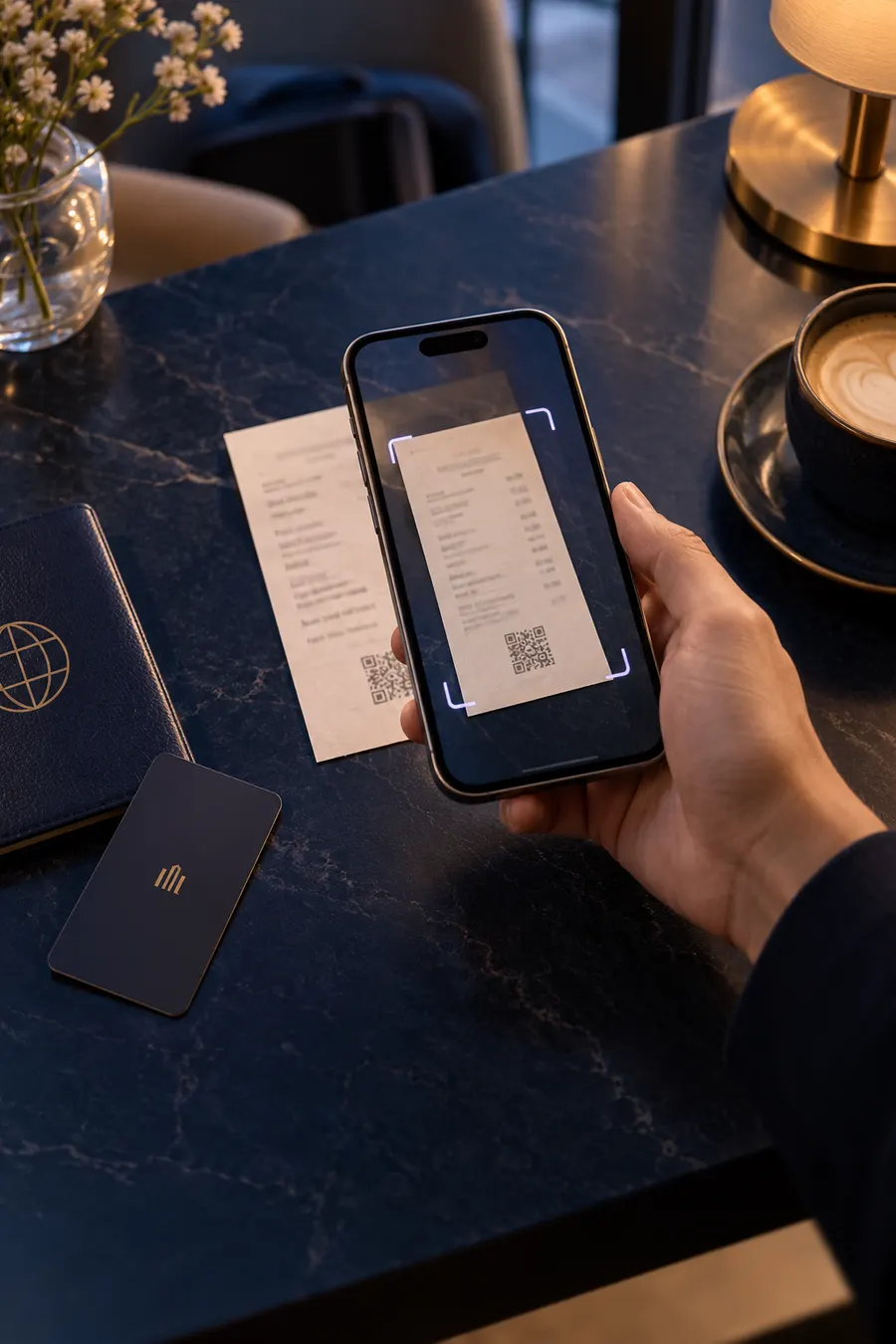
Snap and confirm
AI fills the claim. You check and submit.
Your policy,applied to every claim.
Set limits once per grade. Overspends are flagged before submission.
Grade-wise limitsApplied automatically to every claimTravel policy 2026
| Grade | Hotel / night | Meals / day | Flights |
|---|---|---|---|
| L1Associate | $150 | $40 | Economy |
| L2Manager | $250 | $60 | Economy |
| L3Director | $350 | $80 | Premium economy |
| L4CXO | $500 | $120 | Business |
Jake Miller · Manager (L2)Hotel, Bengaluru · 2 nights$620
Over your hotel limit by $60 a nightYour limit is $250 a night. Add a reason to send it for approval.
Reason: Conference hotel, all nearby options sold out
Send for approvalEdit claim
Sarah Collins is asked to approve it, with the reason and the limit shown side by side.

Close this month's expenseson time, for once.
A 30-minute demo with your own policy, or ask the concierge now.
Atravelq concierge deskOnline now · 24/7, 365 days
Can we set different hotel limits for our sales team?
Yes. Limits can be set by grade and team. I can walk you through it on a call now.